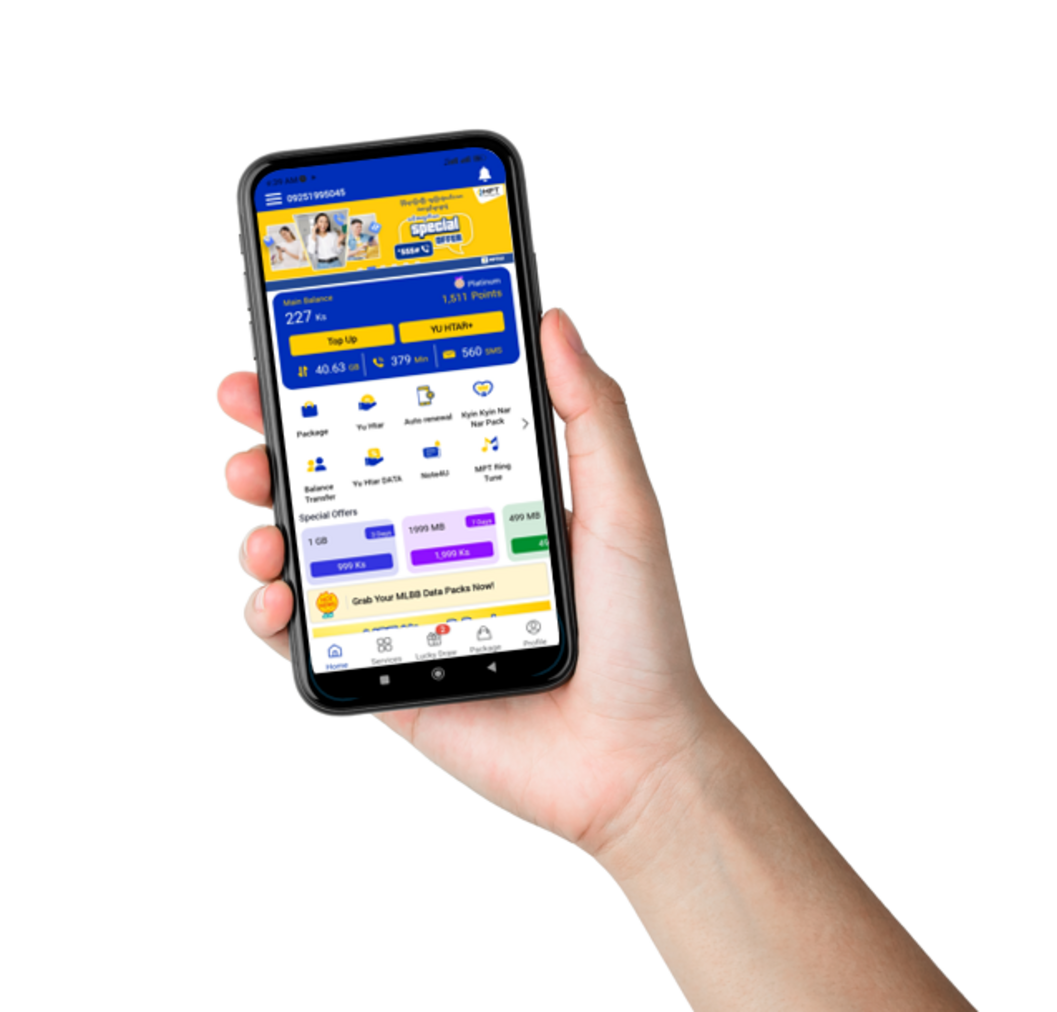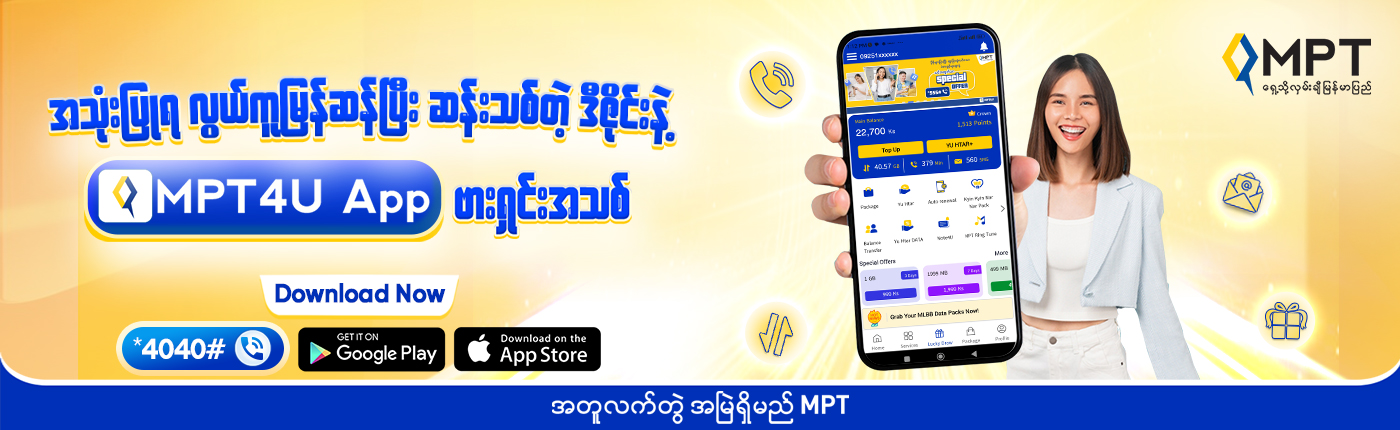
MPT4U App

MPT4U is the official mobile application designed to provide users with quick and convenient access to MPT’s full range of services anytime, anywhere.

Now, with a brand-new design, the updated MPT4U App offers an even better user experience, including:

1.A cleaner and more elegant UI design with useful features
2.Easier and faster package purchases
3.Smoother and more convenient usage
4.The ability to directly redeem MPT Club points from the home screen
5.The option to purchase game packages instantly by tapping Icons and advertisement Banners

With these enhanced features, the MPT4U App has become one of the most useful, convenient, and secure applications for MPT customers.

MPT4U new version(1057x1012)

Key Features of MPT4U APP

Play ‘MPT4U Touch and Win’ Lucky Draw to Win Exciting Prizes – ONLY on MPT4U.Also EXTRA SPECIAL OFFERS FOR EVERYONE – ONLY on MPT4U.

mpt

All in One Solution Service at your Mobile.

mpt

Extra Special ‘App Only’ Offers for EVERYONE.

IPTV Myanmar

Purchase Best Package for you and Gift to others.

MPT Myanmar

Check usage history, all balance deduction details.

MTP Devices

Easily Topup – Using MPT Money, Scan QR Code

MPT Myanmar

See Topup & Package Purchase history.

Sim Registration

Frequently Asked Question

1. What is MPT4U? What services can we access ?

MPT4U Apps is one stop application for all MPT services . And, it can use the MPT4U app with Myanmar Version .
User can use below features from MPT4U.
-Balance check
-Topup bill, Take Loan, Balance Transfer
-Daily phone bill and VAS usage check
-Purchase the packages
-Can gift packages to othersr
-Remaining packages balance check
-My Subscription
-Call service
-Tu Tu Chat
-Check FAQs
-Get MPT Ring Tune
-Check the MPT Club points & Redeem points with data,voices,sms and etc..
– MPT4U game Services etc..)

2. How to download MPT4U?

Please check every steps of MPT4U App download and install from below link.
lotayamm.com/mpt4u#howtodownload
Android customers can dial *4040# or through Lotaya website to Download/Upgrade for FREE. For IOS users, they can only update/download from App Store. It is not free to download application for iOS, there will be some data charges to download the App from App Store.

3. How to use MPT4U App?

Please follow below steps to use MPT4U App.
1. Access mobile data
2. Tap the MPT4U app in the phone
3. Will reach to the main screen of App
User can use whatever his/her required services.

4. Why I can't log in to the MPT4U and it stops at the loading page?

You need to make sure to disable the VPN, clear the cache in the settings and try to use it again.
If the problem persists, we would like to recommend updating to the latest version of MPT4U.

5. How can I check my MPT4U App version? What is new version of MPT4U and What is the minimum Android and iOS version required to use new version MPT4U?

– You can check version from the Setting page on Side bar menu
– New version of MPT4U is for iOS : 1.4.24 & for Android : 4.6.1
– If Android is less than “6” and iOS is less than “10”, users could not use for new version of MPT4U .

6. Why I can’t install MPT4U App from Play Store?

You need to disable the VPN and you must have the minimum Android version 6 required to use the MPT4U. We also recommend to download via link from dialing *4040# for MPT4U APP.

7. Why I can’t install MPT4U App from App Store?

You need to disable the VPN and you must have the minimum OS version 10 required to use the MPT4U.

8. I can't play Hti Pauk in the MPT4U even though I have the chance.How can I do?

We recommend that you need to do clear the cache in the settings.
For Android users, dial *4040# and tap the second link in the message to access the app directly, or download it from the Google Play Store.

For iOS users, the MPT4U App can only be downloaded or updated via the App Store.
We recommend using the latest version of the MPT4U App for the best experience.

9. If we can't log in, can't play Hti Pauk,display Loading time out and face white screen, how can we do?

– Disconnect the VPN first
– Log in again
– To clear the data in the phone setting
–For Android users, dial *4040# and tap the second link in the message to access the app directly, or download it from the Google Play Store.
–For iOS users, the MPT4U App can only be downloaded or updated via the App Store.

10. Do I need VPN to use MPT4U,without internet?

– Yes, you can use MPT4U with or without any VPN. However, using MPT4U with VPN, you may need to enter with OTP.

11. Can MPT4U App use with other networks?

MPT4U can use not only with MPT but also with other network and Wifi.

12. How can I upgrade MPT4U App?

Users can upgrade the app by tapping the “Update Now” button.
For Android users, the app can be downloaded free of charge by dialing *4040#.
For iOS users, the app can only be downloaded from the App Store.

13. Can I download and install to use New version MPT4U if my phone is low version ?

User can install the App, but, cannot use some functions & App which will log out automatically.

14. How can I change language ?

Under the Setting icon on Side Bar menu, you can change language .

15. How can I change icons on Home screen?

– We cannot change 4 defaults icons on top home screen.
– If you want to change other icons, click edit from Service and you can edit or change by dragging the icons as you like .

16. How many days history I can check for each usage group?

You can check Real Time Balance, Up to 90 Days Daily Usage, 6 month histroy of Top up and Package Purchase under Account Details

17. Where can I check my history of Top Up, Package purchace etc?

You can check it from Account detail page.

18. Can we do SIM Registration via MPT4U? How can we do ?

New SIM card registration cannot be performed via the MPT4U App. Only registration updates are supported in MPT4U.
If you wish to update the registration details of an already registered and active SIM card, please go to “Profile” and tap “Re-Register”, then fill in the required information and tap “Save.”
Once the submitted information is complete and accurate, the SIM registration update will be confirmed.

19. I purchase package from USSD and I received Hti Pauk chance SMS also but why it's not showing in MPT4U application ?

After introducing of MPT4U new version, for any kinds of package purchase from any channels including USSD, customer will get chances on MPT4U new version platform. So customer can play on new MPT4U Apps.

20. Is there any Hti Pauk Chance for VAS Services ?

There is no Hti Pauk Chance for VAS services .

21. Does Hti Pauk Chance has expire?What is Hti Pauk History and how many days I check history?

Yes,Hti Pauk Chance will expire in midnight (23:59:59).All Hti Pauk rewards customer can check in Hti Pauk History under Lucky Draw in Main Page & you can check for 7 days.

22. What is Gift icon from Package Puchase page? Who will get Hti Pauk Chance between package gift person and receiver?

It is gift service for all MPT users .Package Receiver will get the Hti Pauk Chance .

best operator in Myanmar